
Block Puzzle
Block Puzzle
Block Puzzle brings together two favourite ways to play with blocks. In Falling blocks, shapes drop into a tall well and you turn and slide them to complete rows. In the 8 × 8 puzzle, you drag pieces from a tray onto a square board and clear full rows and columns, at your own pace. The block puzzle game opens in Falling blocks; tap or press any key to start.
Both modes are endless, so the challenge is simple: how high can your score climb before the board fills up?
Falling blocks
The well is 10 squares wide and 20 high. The seven classic four-square shapes arrive in a shuffled bag, so you get each shape once in every seven pieces. A ghost outline shows where the current piece will land, the next three pieces are shown, and you can put one piece aside with Hold.
Complete a row and it disappears. Clearing 1, 2, 3 or 4 rows at once scores 100, 300, 500 or 800 points, multiplied by your level. The level goes up every 10 lines, and the pieces fall faster each time. The game ends when a new piece has no room to enter.
8 × 8 puzzle
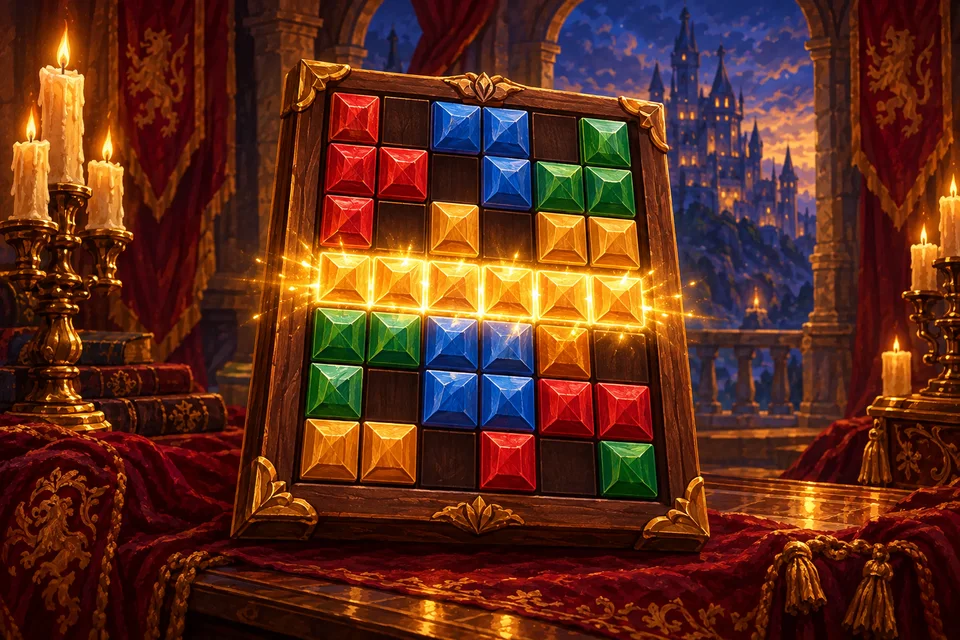
Here nothing falls and there is no rush. You get a tray of three pieces and drag each one onto an 8 × 8 board. Pieces cannot be rotated: lines, squares, corners and L, T, S and Z shapes come in fixed positions. Fill a row or a column completely and it clears, and several can clear together. A new tray arrives when all three pieces are placed.
Clearing lines with several placements in a row builds a combo that multiplies your points. The game ends when none of the pieces left in the tray fits anywhere.
Controls
- Falling blocks on a keyboard: left and right arrows move, down arrow soft-drops, up arrow rotates, Z rotates the other way, Space drops, C holds, P pauses.
- Falling blocks on a touch screen: drag sideways to move, drag down to drop faster, tap to rotate, or use the Hold, Rotate and Drop buttons.
- 8 × 8 puzzle: drag a piece with your finger or the mouse. On touch screens it is lifted above your finger so you can see where it goes.
Tips
- In Falling blocks, keep the surface flat and leave one column open at the side for a long piece to clear four rows at once.
- Use Hold for the long straight piece; it is your best friend for big clears.
- In the 8 × 8 puzzle, keep a 3 × 3 space free for the big square piece.
- Fill rows and columns near the edges first, and keep the centre open.
- More strategy is on the block puzzle tips page.
Hints and a second chance
The Hint button costs a short video. In Falling blocks it shows the best spot for the current piece for a few seconds; in the 8 × 8 puzzle it highlights the placement that clears the most lines. Once per game, a video can also rescue you: Clear 5 rows sweeps away the bottom five rows of the well, and New pieces gives you three fresh pieces, at least one of which fits. There is no undo. The full rules are in how to play Block Puzzle.
FAQ
- Is this block puzzle game free?
- Yes, in any browser, on phones, tablets and computers.
- Is there a difficulty setting?
- No. The two modes are Falling blocks and 8 × 8 puzzle. In Falling blocks the speed rises as you clear lines.
- Can I rotate pieces in the 8 × 8 puzzle?
- No. Pieces keep the shape shown in the tray, which is part of the challenge.
- Can I play the 8 × 8 puzzle with the keyboard?
- No, it is played by dragging. Falling blocks has full keyboard controls.
- Is my best score saved?
- Yes, in this browser, separately for each mode.
- What else might I like?
- Try Jewel Match or the calm Royal Merge.