


Minesweeper
Minesweeper
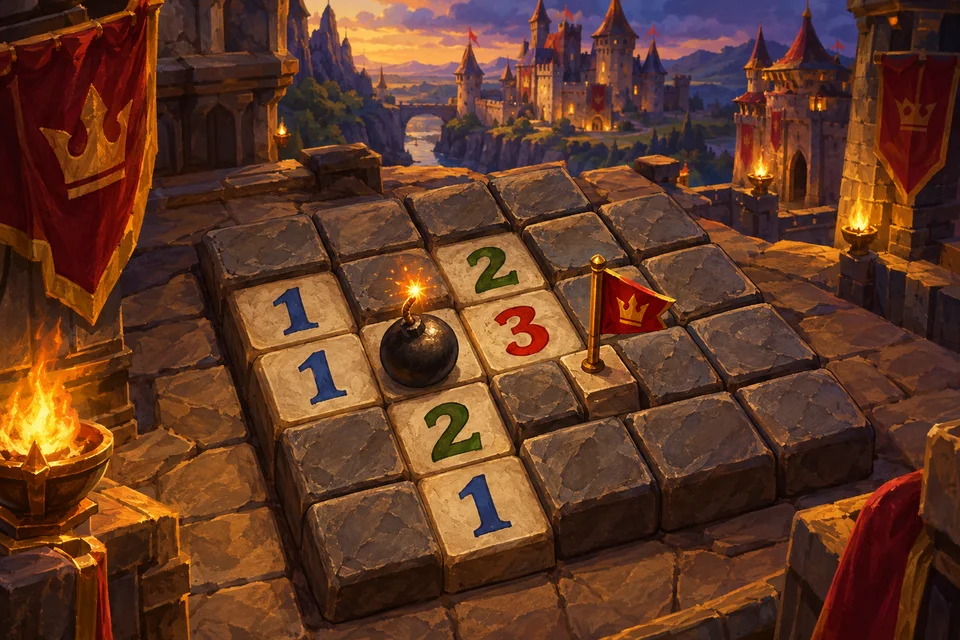
Minesweeper is the classic logic game of hidden mines and helpful numbers. Open every safe square on the board without touching a mine; each number you uncover tells you how many mines are hiding in the eight squares around it.
Start right here in your browser. Your first click is always safe and always opens up an area, so you never lose on move one. Use the New game dialog to switch between Beginner, Intermediate and Expert.
How it works
Click or tap a square to dig it. A blank square has no mines around it and opens its neighbours automatically; a number from 1 to 8 tells you how many of the surrounding squares contain mines. Use those numbers to work out where the mines must be, and mark them with flags.
To flag, right-click with a mouse or press and hold on a touch screen. You can also switch the Dig/Flag toggle to Flag and simply tap. The Mines counter in the bar shows the number of mines minus the flags you have placed.
Three levels
- Beginner: 9 × 9 with 10 mines. Perfect to learn the logic in a minute or two.
- Intermediate: 16 × 16 with 40 mines. Longer chains of deduction.
- Expert: 30 × 16 with 99 mines. On a phone held upright it is shown as 16 × 30 and the board scrolls.
Chording: open faster
When a number already has as many flags around it as its value, click that number once and all its other neighbours open at the same time. It is a single click, not both mouse buttons. Be sure your flags are right first: a wrong flag means chording will open a mine.
Patterns and tips
- A 1 touching only one closed square: that square is a mine.
- The 1-2-1 pattern along a wall: the mines are under the two 1s, the square under the 2 is safe.
- The 1-2-2-1 pattern: mines sit under the two 2s, and the outer squares are safe.
- Work along the edge of the opened area, where the numbers give you the most information.
- When pure logic runs out and you must guess, many players try a corner, which often opens a fresh area.
If you hit a mine
The game offers Continue after a short video: the mine is turned into a flag and you play on. Otherwise choose Try again for the same board or New game. After a loss, wrongly placed flags are marked so you can see what went wrong. Want the full guide? Read how to play Minesweeper.
FAQ
- Can I lose on the first click?
- No. The first square you open and all its neighbours are always free of mines.
- How is the score worked out?
- Each level has a base score that shrinks the longer you take, so faster wins score more, with a minimum of 100.
- What does the hint do?
- After a short video it highlights a safe square next to the opened area and then opens it for you.
- Is there undo?
- Yes, free undo for ordinary moves. Once a mine has gone off, undo is no longer possible; use Continue instead.
- What should I play next?
- For more pure logic, try Sudoku, or see all our puzzle games.
More games
View all Popular Play
 Popular Play
 Play
 Play
 Play
 Play