

728 × 90
Go
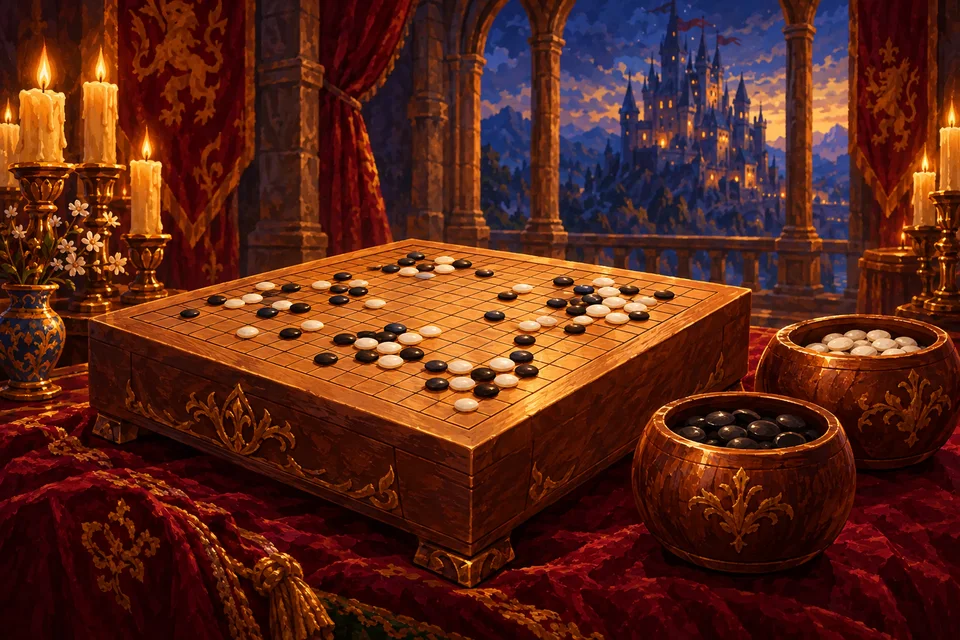
Looking for a Go game against the computer that you can start in seconds? This page opens a free 9 by 9 game in your browser. You play Black and place the first stone, and the computer replies as White.
The computer's engine was written for this site and uses Monte-Carlo tree search: it plays out many random games from the current position and favours the moves that win most often. The main Go page covers rules and scoring.
The three levels
To switch, tap New game and choose Easy, Medium or Hard. The computer passes only after you have passed.
- Easy runs only a small number of playouts with lots of randomness. It leaves weaknesses and misses captures, which makes it a kind opponent for your first games.
- Medium, the default, runs many more playouts, for up to about half a second per move. It defends its groups sensibly and punishes obvious mistakes.
- Hard thinks for about a second per move. It is the strongest of the three and a good test once Medium feels comfortable.
Tips to beat the computer
- Against Easy, play solidly and capture the stones it leaves with one liberty.
- Against Medium and Hard, secure two corners early and make sure every group has room for two eyes.
- At the end, check dead stones carefully. If your marking disagrees with the computer's view, play continues so you can prove it on the board.
Undo and hints
Undo is free and takes back your stone along with the computer's reply. A hint, after a short video, marks a suggested point found with a slightly shorter think than Hard. For deeper ideas, read our Go strategy tips.
FAQ
- Is the computer a neural-network engine?
- No. It is a Monte-Carlo search program built for this site, without a neural network.
- Which board size does the computer play?
- Always 9 by 9 on this page.
- Can I play Go online against the computer for free?
- Yes. All three levels are free in your browser.