


728 × 90
Kings Corner
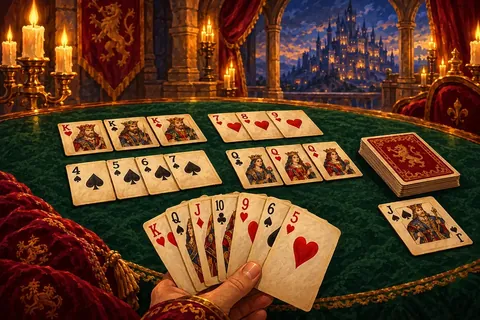
Kings Corner is a natural game for two, and this page lets two people play it on one phone, tablet or computer. You take turns at the same screen, and a cover screen hides each hand while the device changes hands.
There is no online play: you sit together. The rules are on the main Kings Corner page.
How turns work
- Each player is dealt seven cards; they are called Player 1 and Player 2.
- Before each turn a cover screen tells you to pass the device, and the other player looks away. Tap Show my cards to start your turn.
- Your turn opens with an automatic draw of one card.
- Play as many cards and pile moves as you like, then tap End turn.
- Undo takes back one step during your own turn, so a slip of the finger is easy to fix.
- The first player to empty their hand wins, and the result screen names the winner.
Tips for two
- The layout is shared, so every card you play may help your friend too. Think about what you leave open.
- Move kings into corners as soon as you can; it opens space for both, but you get to use it first.
- Either player may use a hint on their own turn; it costs a short video.
- Need the details on moving piles? See how to play Kings Corner.
FAQ
- Can we play Kings Corner online on two devices?
- No. 2 player Kings Corner is played on one shared device.
- Can more than two people play here?
- No. This mode is for two players.
- Is the game saved if we stop?
- Yes, in the browser. When you return, the cover screen appears before any cards.