


Paint by Number
Paint by Number
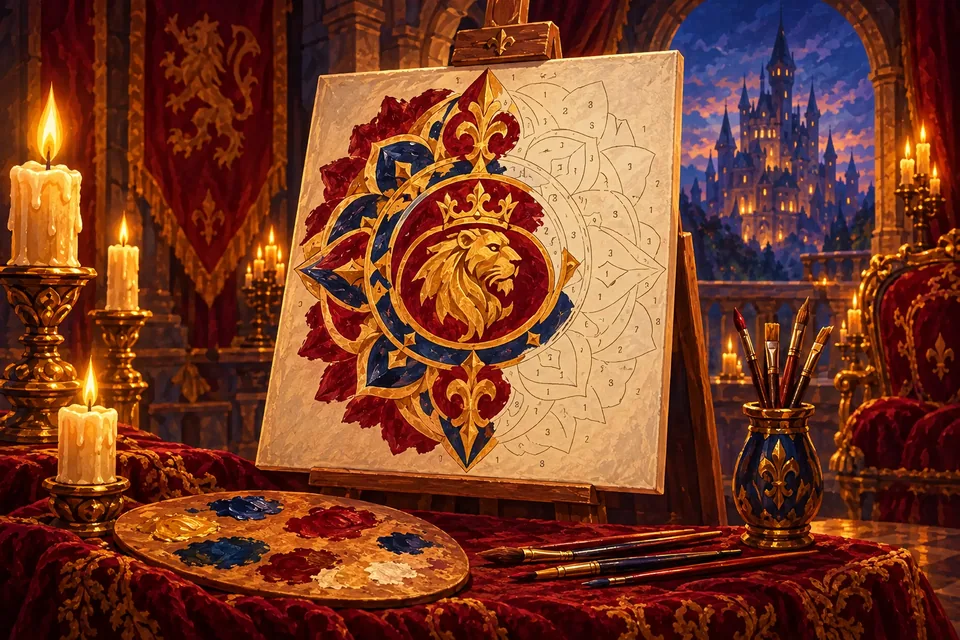
Paint by Number is a relaxing coloring game: every area of the picture carries a number, every paint has a number, and you fill them in until a finished painting appears. There are 100 pictures, from a castle on a hill and a sleeping fox to 74 intricate mandalas, all free to colour in your browser on a phone, tablet or computer. No brush skills needed, and nothing ever goes over the lines.
The page opens on Medium with the next picture you have not finished. To change the level, tap New game and choose Easy, Medium or Hard.
How to paint
Pick a numbered paint from the palette, at the bottom on a phone or on the right on a computer. All areas with that number get a light hatch so you can find them. Tap an area to fill it, and the colour ripples out from your finger. A wrong area is never painted; its number just flashes red.
When a colour is complete, its paint gets a tick and the next unfinished one is selected for you. When the whole picture is done, the lines fade away, the painting shines and its name floats up.
Zoom and move
Pinch, use the mouse wheel, double-tap or press the + and − buttons to zoom, and drag to move around. Numbers appear once an area is big enough to read. On a keyboard, the keys 1 to 9 and 0 pick paints, [ and ] step through them, and the arrow keys pan.
Levels and pictures
The 26 painted scenes include The Crown, Peacock, Night Owl, Ship at Sunset, Afternoon Tea, Koi Pond, Dragon's Treasure, Windmill and Tulips and Autumn Tree. Each picture uses 6 to 14 colours. Open the gallery by tapping the picture name above the frame to see what you have finished.
- Easy: small areas are merged into their neighbours, so a picture has roughly 30 to 100 areas.
- Medium: finer detail, roughly 45 to 150 areas.
- Hard: the most detail, from about 50 to over 200 areas.
Tips
- Start with the big areas of a colour to see the picture take shape, then zoom in for the small ones.
- If a colour seems finished but has no tick, a tiny area is hiding. The hint zooms straight to it.
- Undo un-paints the last area if you change your mind.
- Mandalas are lovely for a calm, unhurried session; scenes reveal more of a story as you go.
More
A full guide is in how to play Paint by Number. If you enjoy filling in pictures by rule, try a Nonogram, or find more calm games in Relax & unwind.
FAQ
- Can I choose my own colours?
- No. Each picture has its own palette, and every area takes the colour of its number.
- Is my progress saved?
- Yes. Each picture keeps its progress per level in this browser, so you can stop halfway and come back.
- How long does one picture take?
- About ten minutes on average, more on Hard or for a detailed mandala.
- Can I download or print the pictures?
- No. They are coloured on screen and kept in your gallery.
More games
View all Popular Play
 Popular Play
 Popular Play
 Play
 Play
 Play